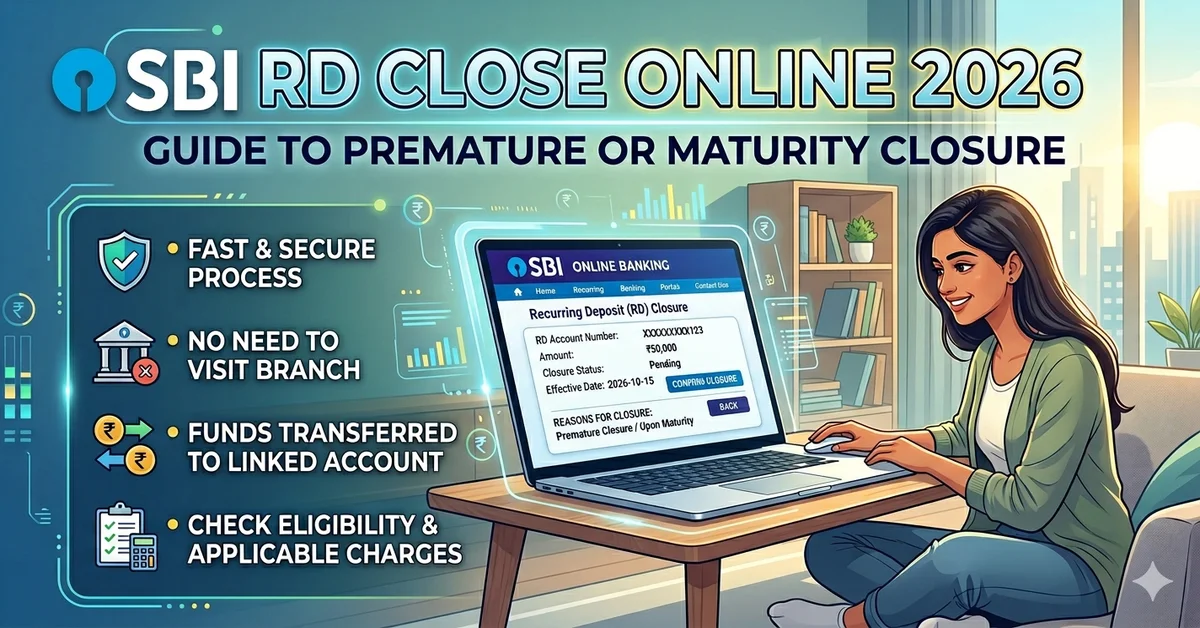
SBI RD Close Online 2026:Recurring Deposit (RD) is a popular savings scheme among Indian investors. In this scheme, you deposit a fixed amount every month and receive the proceeds along with interest upon maturity. However, sometimes, due to circumstances, we have to prematurely close our RD. This is known as SBI RD closure.
In 2026, SBI (State Bank of India) simplified its Net Banking and YONO app, allowing customers to close RDs online from the comfort of their homes. In this article, we’ll cover how to close an SBI RD online, including the rules and penalties for premature closure, and the rest of the process.
SBI RD Close Premature Rules 2026
- Lock-in Period: Your RD must last at least six months. Only then can you close your RD online; you cannot close it before that period. Therefore, SBI RDs must have a minimum of six months of validity.
- Penalty on Interest:
- The interest rate applicable will be based on the tenure for which your SBI RD is in force, which is beneficial for the customers.
- SBI usually offers around 1% less interest if you break or close the RD prematurely.
SBI RD Close Mode:
- Online: To close SBI RD, you can do it through Net Banking or YONO App, which is a simple and easy process. You can do this process sitting at home, there is no need to go to the bank.
- Offline: If you are not able to close SBI RD online, then there is no problem, you can directly close your SBI RD by visiting your SBI branch.
- Credit of Amount: The RD money will be deducted from your main account and will go to the same account from which the RD was started. This process will continue every month until the maturity is completed.
SBI RD Close Online Process (Net Banking)
- Login to SBI Net Banking with your Netbanking Id and Password
- Go to the Deposits Section.
- Select your RD Account.
- Click on Premature Closure.
- Check the Terms & Penalty details and confirm.
- The amount will be credited to your linked savings account.
SBI RD Close Online Process (YONO App)
- Open YONO SBI App and login.
- Go to Accounts → Deposits.
- Select your RD Account.
- Click on Close RD option.
- Read the penalty and terms and confirm.
- Your RD money will come into your Savings Account.
things to note:
- On closing SBI RD, you will not get the full interest till maturity.
- If the annual interest is more than ₹40,000 (₹50,000 for senior citizens), TDS (10%) will be deducted.
- Close SBI RD only when you need the money immediately or you are getting higher returns somewhere else.
Quick Comparison in SBI RD Close Online
| Factors | Normal RD Maturity | Premature RD Closer |
| Locok-in | Full term (12–120 months) | At least 6 months |
| Interest | Full agreed rate | Reduced rate – 1% penalty |
| Process | Auto credit on maturity | Online (Net Banking/YONO) या Branch |
| Tax | TDS applicable | TDS applicable (at lower interest rate) |
Conclussion:
SBI allows customers to close their RD online without visiting a branch. Net Banking and the YONO app are both convenient options. However, keep in mind that premature closure will result in lower interest rates and a penalty.
If you want to break the RD, then first keep in mind your financial condition and penalty. Close SBI RD only when you need a lot of money immediately or have to take a loan from somewhere because SBI RD provides good interest to the people and every month as much as you want gets deducted from your account and gets deposited in the RD account.